Changelog

Follow new updates and improvements to Climeet.

Bulk Import Now Available in Your Address Book
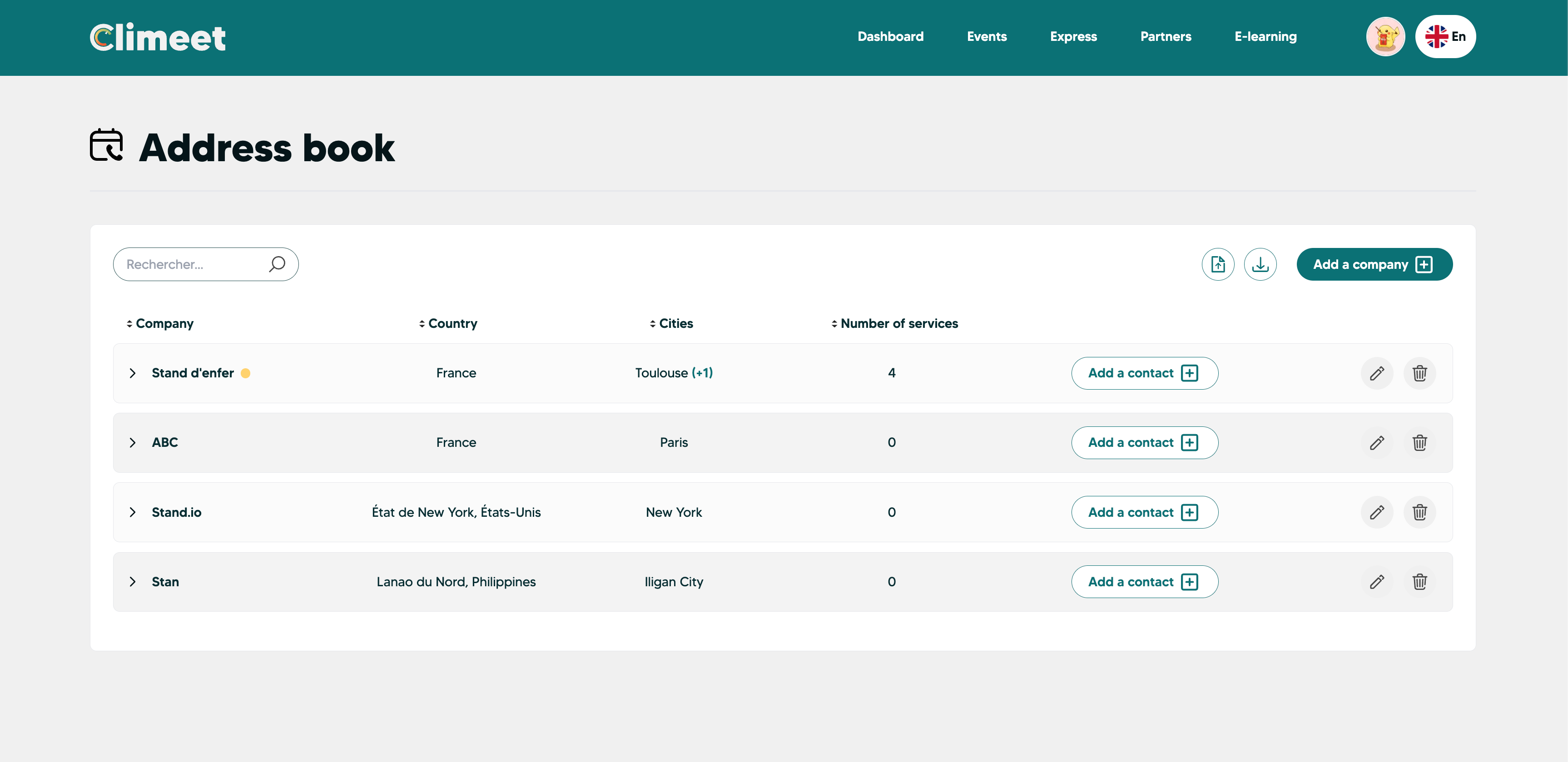
Good news! Bulk import is now available in your Climeet address book. Add all your service providers and suppliers in a single operation: no more manual entries one by one.

How does it work?

  1. Go to your profile → Address book

  2. Download the Excel template by clicking on the “Download service provider file” button

  3. Enter your contacts directly into the file

  4. Import it using the “Import my service provider file” button And that's it! Your contacts are ready to use for your next event.

There you go! Your contacts are ready to use for your next event.
New

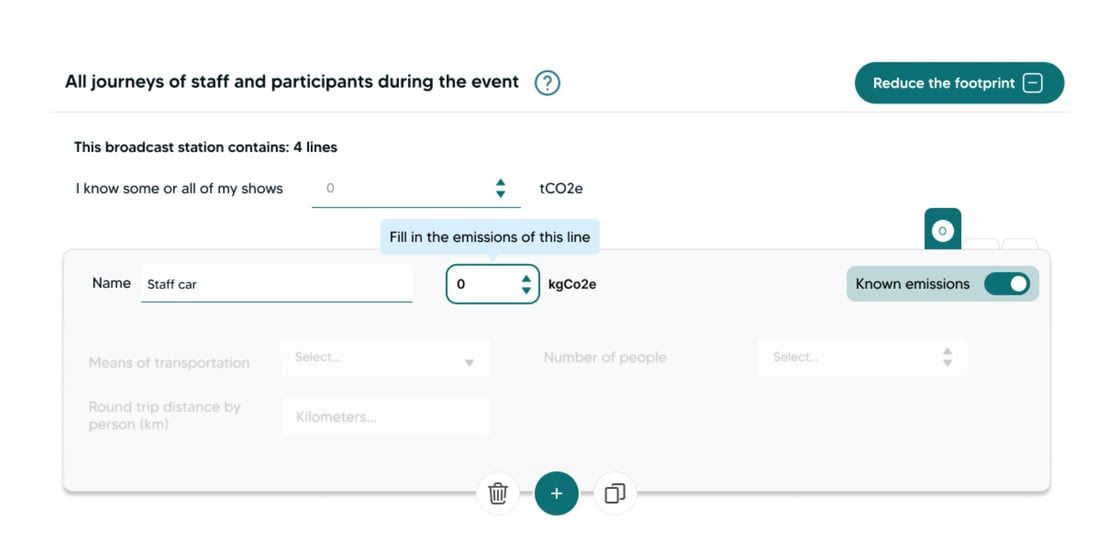
Known emissions

You can now enter your known emissions directly, line by line, in addition to the option “I know some or all of my emissions” available for each category.

With the “Known emissions” toggle, you can:

  • Add your specific emissions,

  • Name them and clearly differentiate them,

  • Gain clarity and precision in your event carbon footprints.

When should you use it?
If you or one of your suppliers has already measured the carbon footprint of their equipment, transport, services, or deliverables using one of the methods below.

Important point of attention
This feature relies on the quality of the data entered. The emissions provided must come from reliable sources, such as:

  • A Life Cycle Assessment (LCA);

  • A carbon footprint calculated using Climeet or a compliant tool;

  • A recognized and robust database;

  • The work of an expert;

  • An institutional study.

If you have any doubts, our team is here to support you. You can also continue entering your usual activity data (modes of transport, distances, volumes, number of people, etc.) to benefit from the robust and proven Climeet calculation engine.

A new building block to refine your analyses, while maintaining a high level of reliability.

New

New feature : Online provider collaboration

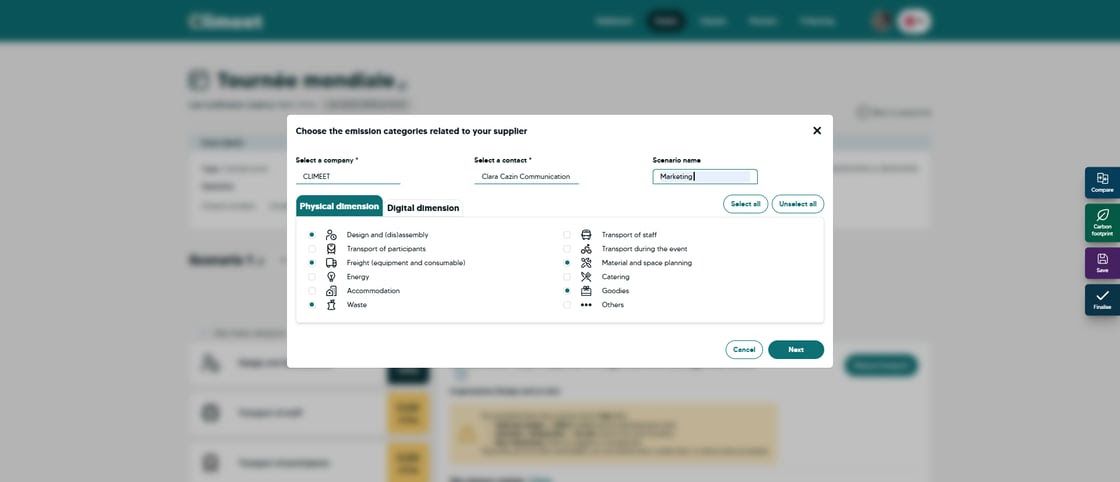
You can now invite your providers to contribute directly to your events, in a targeted and secure way.
In practice:

  • add your providers and exhibitors to your address book

  • assign them to your events via the Providers button

  • an automatic email is sent to let them create their account

  • they can only access the scenario assigned to them, through an intuitive journey designed specifically for them

  • Monitor progress in real time, send automated reminders, and stay informed once tasks are completed.

The result: significant time savings, better data quality, and smooth collaboration with your providers without unnecessary complexity.

Your providers can now take full advantage of Climeet’s features, freeing them from the limitations of Excel.

Interested in unlocking this feature? Please contact : chloe.menard@climeet.events

New

Earlier updates